
So I’ve played out my little Haywire campaign over the last two months, and the whole time I’ve used a tool built with AI to help guide the campaign. I figured I could probably share it as a simple free resource. Here you go:
https://drive.google.com/file/d/1cuy3Xul_92v1nWKUfXoOaJILQ14fWa03/view
You’ll simply need to download it and open it in a web browser. It is a local file that does not reference outward to the internet, so you could run it on a tablet if you want. If you’re on an Apple device, you’ll need to look up a free HTML viewer. It should work on both computer and phone, but I’ve only ever used it on a computer. Why is it “v.9” and not 1? Because I expect some updates when the game properly releases or at least releases an FAQ. I used this tool to guide a full campaign and did not run into any serious issues.
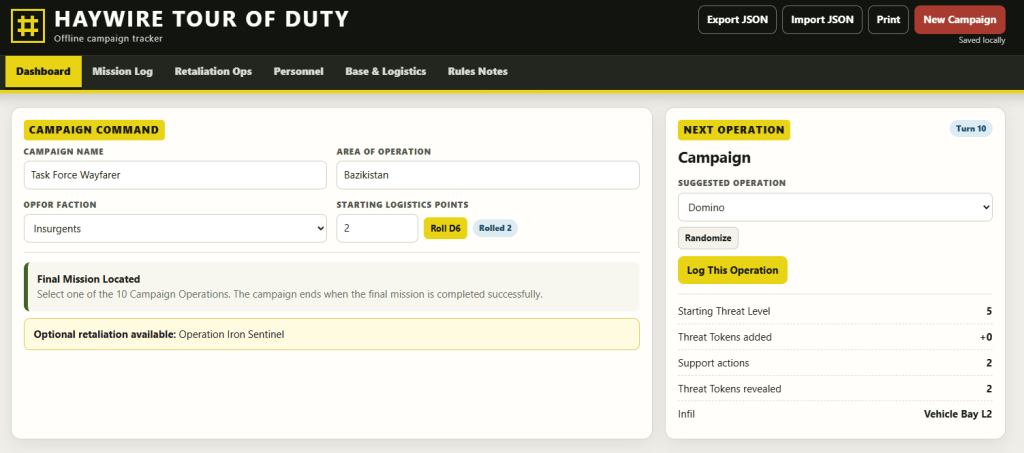
So what did I just give you? Well, it’s pretty simple. Read the “Tour of Duty” section in the Haywire book and it should make some sense. You’ll see a few tabs here, so we’ll run through what they do and how to use them. First, your dashboard:
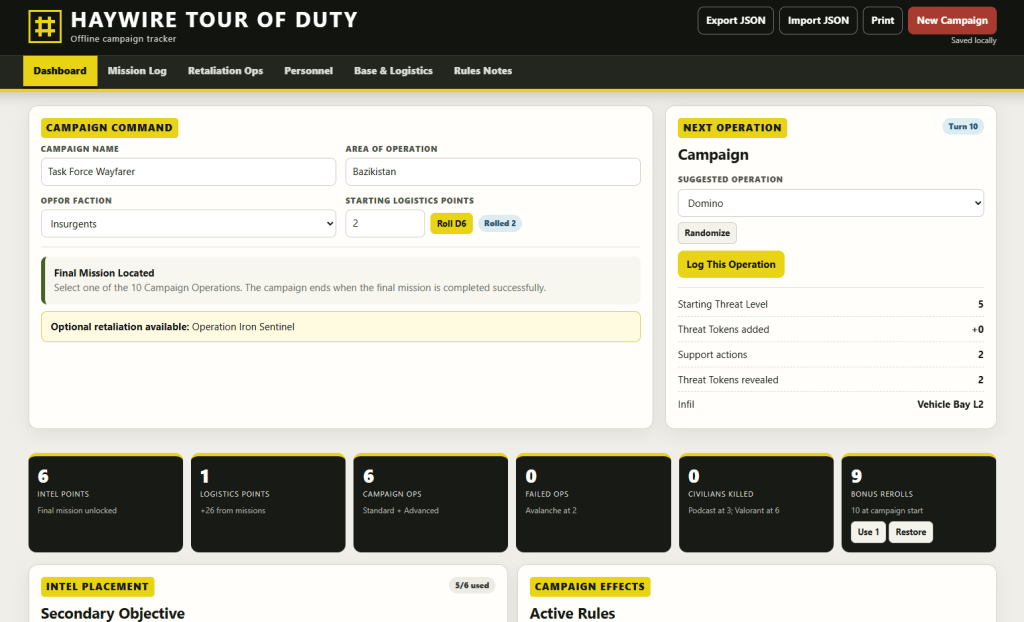
This allows you to start a campaign and setup its key components. It also allows you to randomize your next mission over on the right side. You can see it tracks major stats about your campaign across the bottom of the above shot, and if you scroll down:
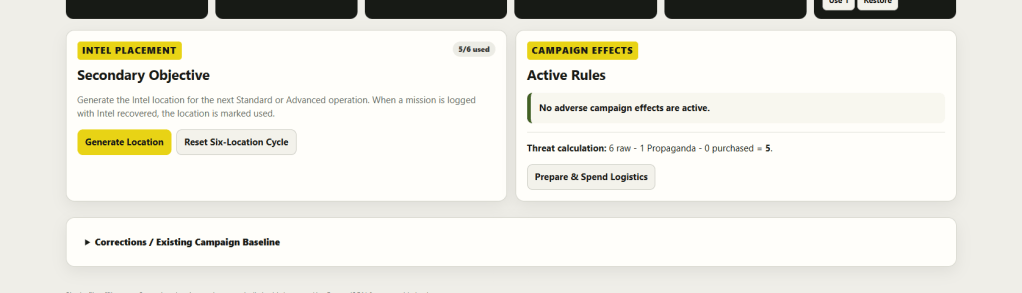
You’ll find where you can randomize a secondary objective and also track any active penalties you’ve taken due to retaliation missions.
The next tab is the Mission Log.
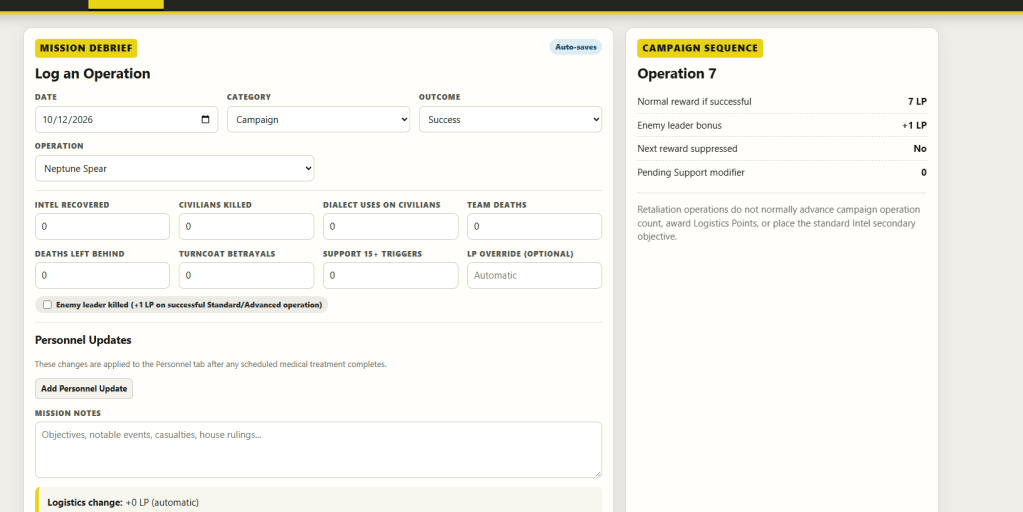
Lo and behold: it’s what it sounds like. It tracks the mission and allows you to make notes on how it went. This is not really a “Live” tracker, but a reporter you fill in after the mission. The stats it asks for (Intel Recovered, Civilians Killed, Dialect Used, etc.) are used for the game’s “Retaliation Missions.” Note the “Personnel Update” section where you can mark someone as injured and the little checkbox just above it for having killed the enemy leader.
Next, we have the Retaliation Ops tab:
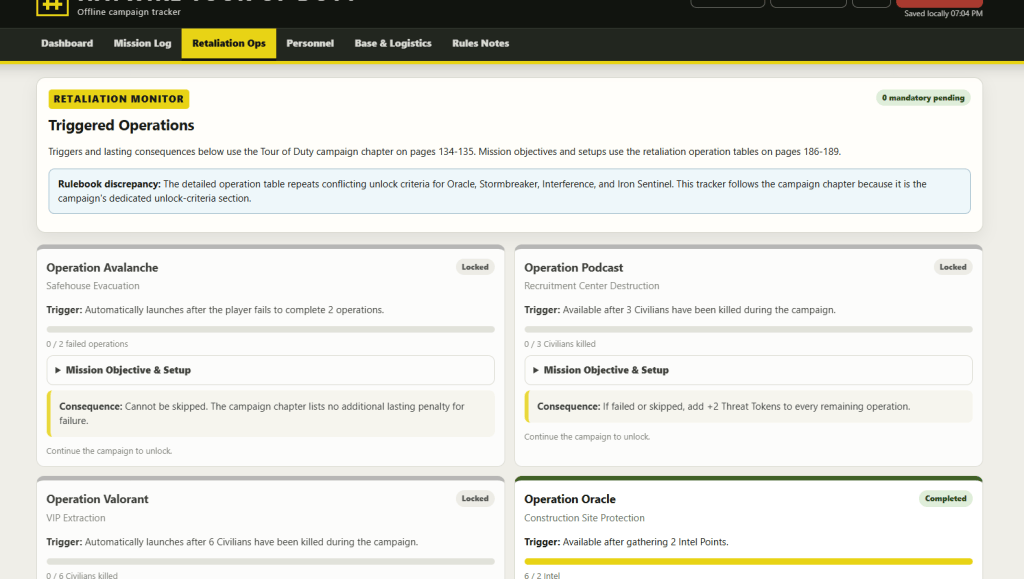
Again, pretty simple. This tells you when you’ve triggered a Retaliation Op. As it stands, the rulebook has a discrepancy where it lists two different sets of triggers for these missions. ChatGPT very readily identified the correct set and based the triggers on those. I’ll admit they don’t all make… honestly, good sense, but that does seem to be part of the core rulebook as I was given it. I’m hoping this is fixed on full physical release. Otherwise, this page just tracks whether or not you’ve triggered one of these ops and how far you are from it.
Now, the Personnel tab.
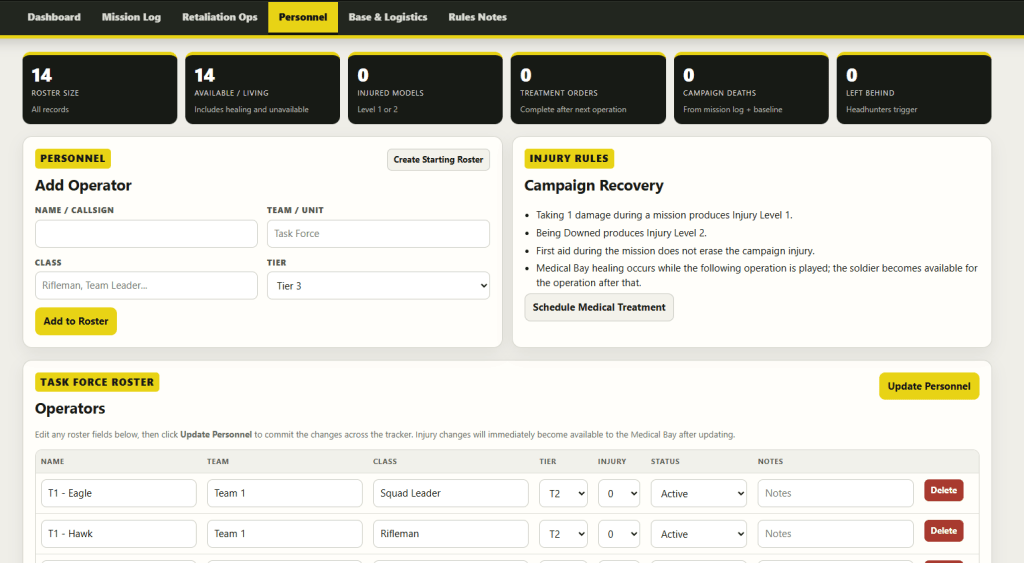
Remarkably, it… does what it says on the tin. Here, you can add operators you’ve earned or want to add manually. You can schedule a medical treatment (which you can also do on the next tab) and you can modify your roster down below. The roster allows you to make notes, like their team and class. You can also update their status here if you forgot to do it post mission. Forgot someone was injured? Update it here and hit the “Update Personnel” button.
Now, Base & Logistics.
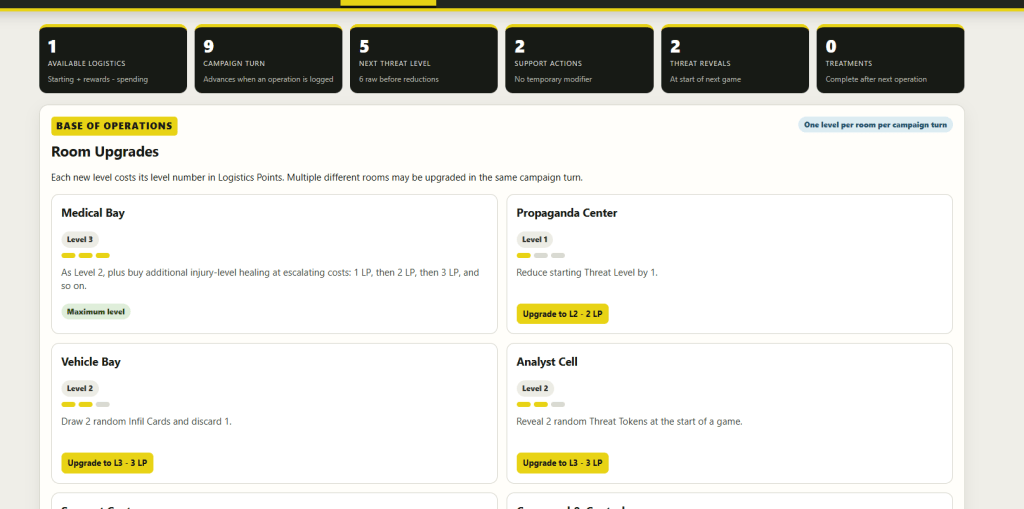
Easy enough. As you play, you gain Logistics Points. This page allows you to spend them to both upgrade your base and trigger specific effects.
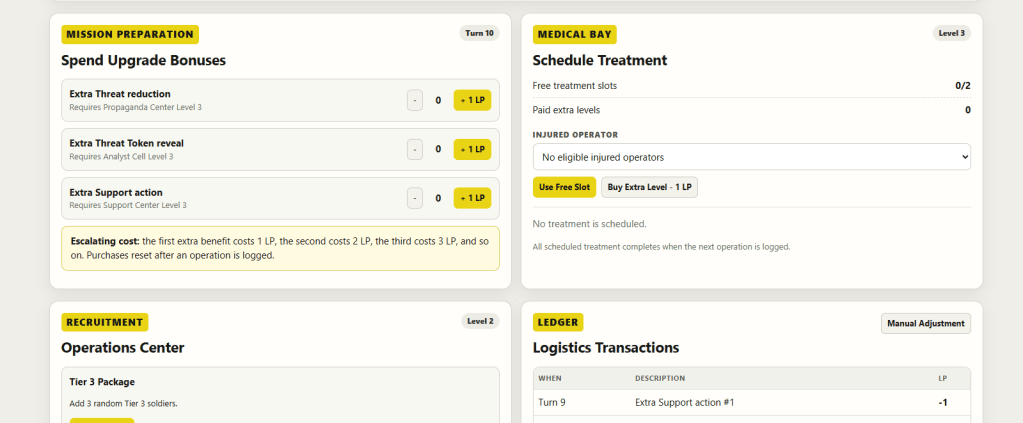
Scroll down and you’ll see your options, including the Medical Bay, which I made great use of during my game. Pro tip: you want to heal people.
Rule Notes is an explainer page that tracks the decisions made by the AI in building this.
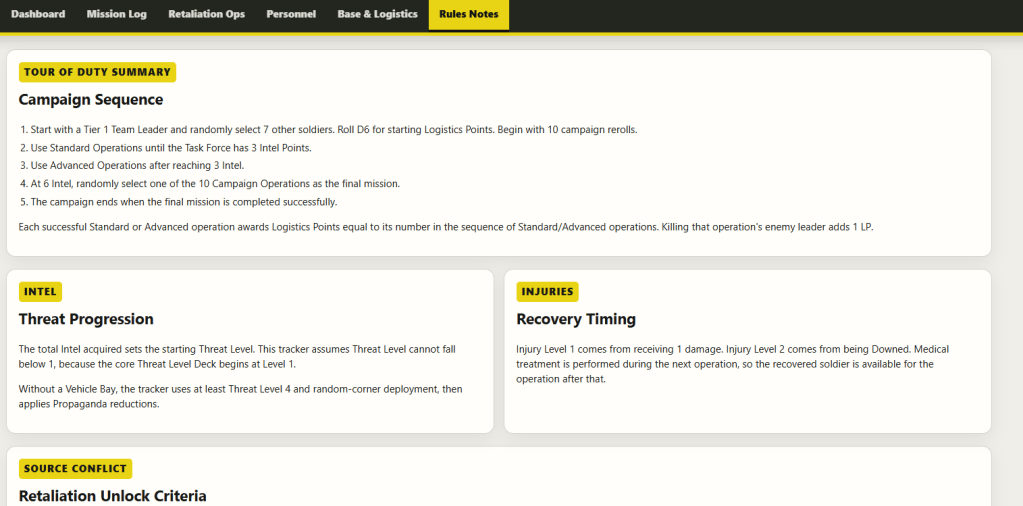
It also tracks some useful information, but I have never really referenced this page. At a glance, it looks fine.
My last note is the ability to save your campaign as a file:
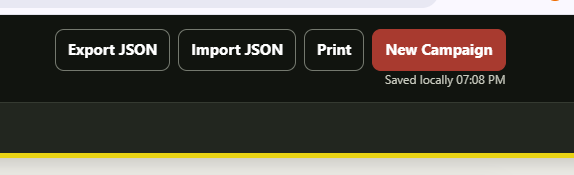
This is at the top right of every page. It saves as a JSON file. This should allow you to track multiple campaigns if you want.
I focused on making this simple. It’s not the best interface, but it did a great job of tracking our campaign. You have my absolute permission (as if you need it for an AI built tool) to throw this into your own AI of choice and update it accordingly. I want to warn you: I built this with a modern up-to-date model, and I’m not sure what older or inferior models might do. This was built in GPT 5.6 Sol. I would now build it in 6.0 Astra if I were to do it again and I may update it down the line, accordingly.
I’ll try to answer questions here. Hopefully, someone gets some good use out of this. Cheers!


Leave a Reply